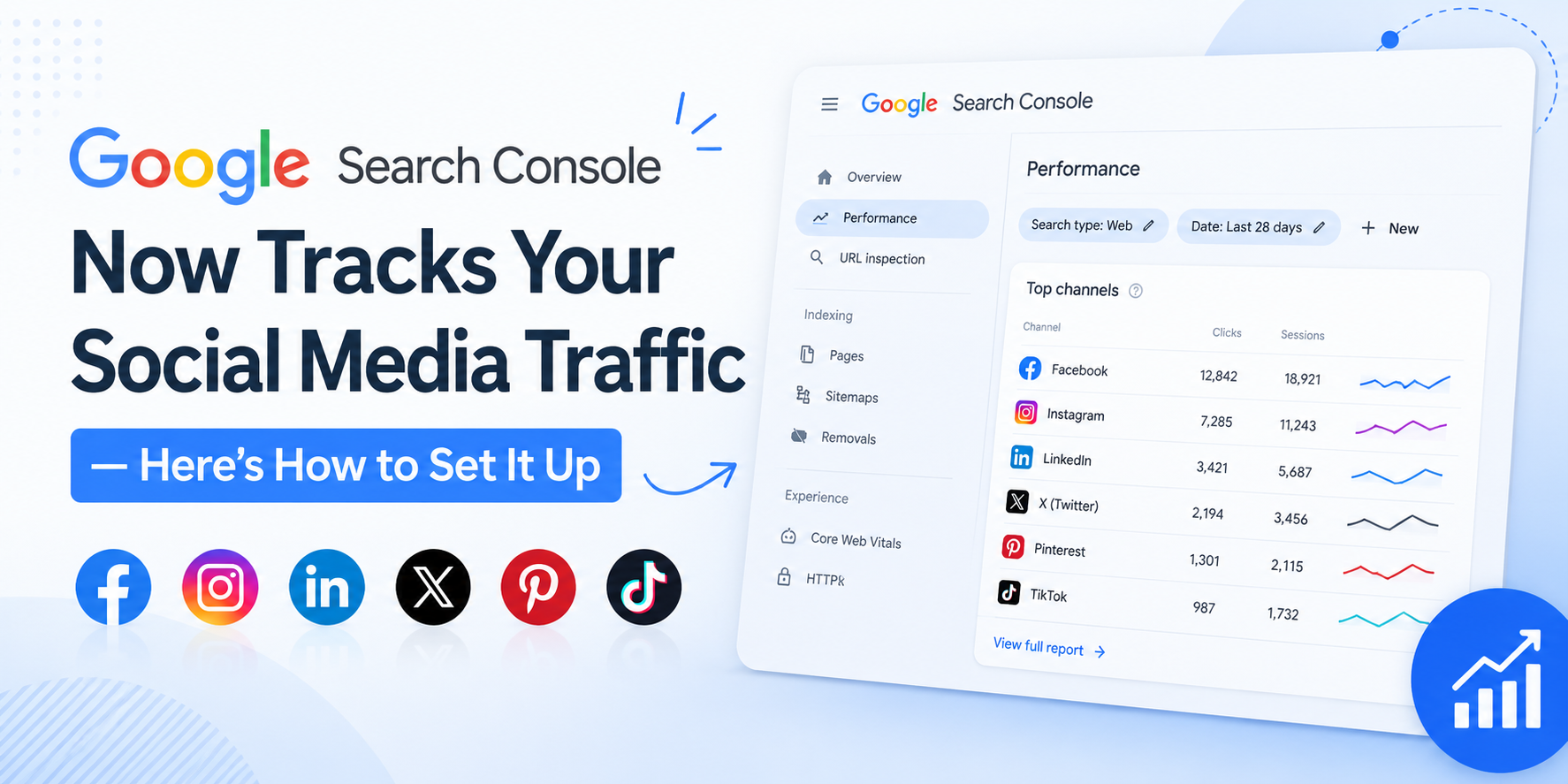
Google Search Console just stopped being a website-only tool. On July 7, 2026, Google introduced platform properties — a new property type that lets creators and businesses track how their social and video content performs directly in Google Search and Discover. For the first time, you don’t need a website to get real Search Console data.
If you post on Instagram, TikTok, X, or YouTube, this update matters. Here’s a full breakdown of what it is, how to set it up step by step, and why it’s worth your time.
What is a Platform Property?
A platform property is a new kind of Search Console property built specifically for social and video accounts instead of domains. Historically, Search Console only worked if you owned and verified a website. That left an entire category of creators — people building an audience purely through social platforms — with no visibility into how Google was surfacing their content.
Platform properties fix that. Once you connect a supported account, you get a dedicated dashboard showing exactly how your posts are being found and clicked on through Google Search and Discover.
At launch, four platforms are supported:
- TikTok
- X
- YouTube
Google has framed this as a response to how people actually consume content today. Audiences increasingly gravitate toward firsthand, native content on social platforms rather than blog posts or articles, and Google wants creators — even those without a website — to understand how that content performs in Search.
Why This Update Matters (The Benefits)
1. Visibility without a website
This is the headline benefit. Previously, if you didn’t own a domain, you had zero insight into how Google Search treated your content. Now, a creator who exclusively posts on TikTok or Instagram can see real performance data, the same way a website owner would.
2. One consolidated view across platforms
If you’re active on multiple platforms, you can create a separate platform property for each one and monitor them all from the same Search Console account — instead of piecing together fragmented insights from each platform’s native analytics.
3. Query-level insight
The Performance report shows which specific search terms are driving people to your posts. That’s valuable for understanding what your audience is actually searching for, and it can directly shape your content and caption strategy going forward.
4. Complementary data, not duplicate data
Platform properties don’t replace TikTok Analytics or YouTube Studio — they show something those tools can’t: how your content shows up specifically within Google Search and Discover, separate from in-app discovery. That’s a distinct layer of insight most creators have never had access to before.
5. Milestone tracking that keeps you motivated
The Achievements report highlights growth milestones, like crossing a new threshold of total clicks from Google Search over a rolling 28-day period. It’s a small feature, but it turns raw numbers into a clearer sense of progress.
6. A sign of where Search is heading
This update fits into a bigger 2026 trend: Search Console evolving from a narrow technical SEO tool into a broader visibility layer covering standard search results, AI-driven answer surfaces, and now social content. If you care about long-term discoverability, this is a space worth watching closely, not just a one-off feature.
How to Set Up a Platform Property (Step by Step)
Setting up a platform property takes only a few minutes. Here’s exactly how to do it:
Step 1: Open Search Console Go to Google Search Console and sign in with the Google account you want to use.
Step 2: Start the “Add Property” flow You have two options:
- Click the property selector dropdown in the top-left corner and select “Add property,” or
- Go directly to the Search Console verification page.
Step 3: Select your platform You’ll be shown four options: Instagram, TikTok, X, or YouTube. Choose the one you want to connect. If you manage accounts on more than one platform, you’ll repeat this process separately for each — platform properties are set up individually per account, not in bulk.
Step 4: Authorize the connection Follow the on-screen verification steps. This process securely links your social account to Search Console so Google can pull performance data associated with that account’s content.
Step 5: Wait for data to populate Once verified, the property will appear in your Search Console property list. Reporting data will start to populate over time as Google Search interactions with your content accumulate.
A few practical notes before you set it up
- The rollout is gradual. Google has said platform properties are becoming available incrementally over the coming weeks, so if you don’t see the option yet, check back — it isn’t necessarily an error on your end.
- Verification requirements may vary slightly by platform, since each one has its own account-authorization process. Follow the prompts carefully for whichever platform you’re connecting.
- Data won’t appear instantly. Since this is a fresh reporting pipeline, give it some time after verification before expecting a full performance picture.
- Feedback is welcomed. Because this is a new feature, Google is actively looking for input. You’ll find a “Submit feedback” link inside Search Console, or you can post in the Google Search Central Community.
What You’ll Actually See in the Dashboard
Once your platform property is active, you get access to three core reports:
Performance report This is your main analytics view — total clicks, impressions, and related engagement metrics for your posts. You can filter and sort by individual post or by search query to identify exactly which content and search terms are driving the most traffic. If you’d rather crunch the numbers elsewhere, the data is exportable.
Insights report A more digestible, high-level summary of recent trends: your top-performing posts and a snapshot of how people are discovering your account through Google Search.
Achievements A running tally of growth milestones — for example, reaching a new threshold of total clicks from Google Search within the past 28 days. It’s a nice way to see momentum without digging through raw performance numbers.
How This Fits Into the Bigger Search Console Picture
This isn’t happening in isolation. Search Console has picked up several major changes in 2026 that, together, paint a clear picture: Google wants Search Console to be a comprehensive visibility dashboard, not just an SEO checklist.
Recent additions include AI performance reporting, giving site owners insight into how their content appears in AI Overviews and AI Mode, and a Branded queries filter that separates branded search traffic from non-branded traffic. Platform properties extend that same philosophy to social and video content — visibility isn’t just about your website anymore; it’s about your entire footprint across Google’s search ecosystem.
For marketers and creators, the practical takeaway is this: relying solely on a platform’s built-in analytics (or solely on your website’s Search Console data) now leaves a gap. Platform properties fill part of that gap by showing you specifically how Google Search is connecting people to your content, wherever that content lives.
FAQs
Do I need a website to use platform properties?
No. That’s the core benefit of this update — creators without a website can now connect a supported social account and get direct Search performance data.
Which platforms are supported at launch?
Instagram, TikTok, X, and YouTube.
Will Google add more platforms later?
Nothing has been officially announced, but given how quickly Search Console has expanded in 2026, it’s reasonable to expect the list could grow.
Is this the same data I’d see in the platform’s own analytics tool?
No. Platform properties show performance specifically within Google Search and Discover — a layer of data native platform analytics tools don’t provide.
How long after verifying will I see data?
There’s no official timeline, and since the rollout is gradual, some accounts may see data appear faster than others. Give it time if your dashboard looks sparse at first.
Can I export the performance data?
Yes, the Performance report supports data export for analysis in other tools.
Is there a cost to use this feature?
No. Platform properties are part of Search Console, which remains completely free.
Can I connect more than one platform at once?
Yes, but each platform requires its own separate property setup and verification process.