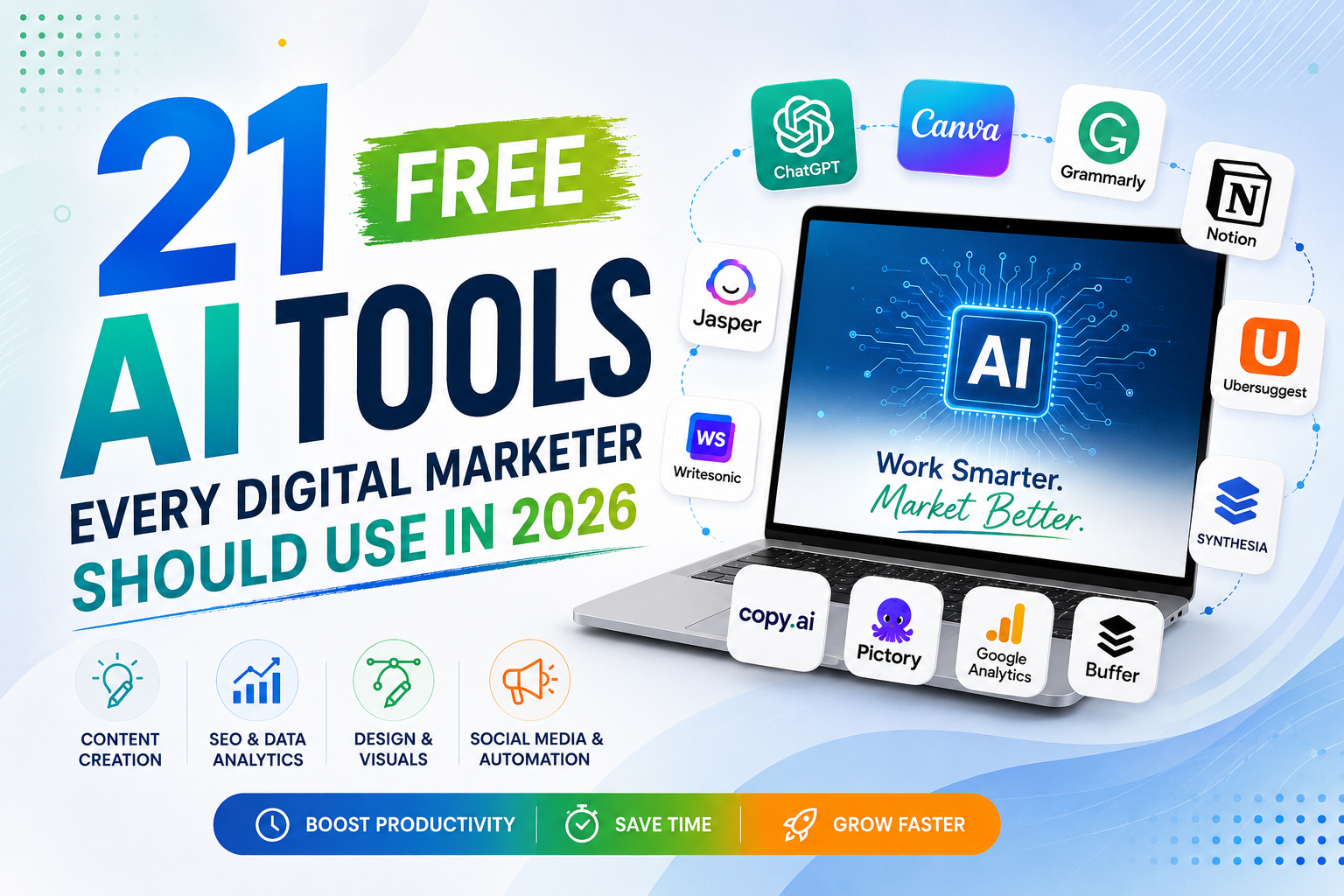
You don’t need a five-figure software budget to run a competitive digital marketing operation anymore. In 2026, some of the most capable content, SEO, design, and automation tools on the market offer free plans that are genuinely usable — not stripped-down trials designed to push you toward checkout. This guide breaks down 21 free AI tools every digital marketer should have in their stack, organized by what they actually help you do.
What this post covers: a category-wise breakdown of free AI tools for content writing, SEO, design, social media, video, email, and analytics — plus why they matter, how to pick the right ones, and answers to the questions marketers ask most.
Why Free AI Tools Matter for Marketers Right Now
The gap between marketing teams that move fast and those that fall behind rarely comes down to headcount anymore — it comes down to tooling. AI tools compress work that used to take hours (drafting a blog post, building a keyword list, designing a social graphic, writing ad variations) into minutes. For small agencies, freelancers, and in-house teams working with tight budgets, free-tier AI tools remove the biggest barrier to entry: cost.
Three things make free AI tools worth adopting in 2026:
- Speed: First drafts, outlines, and visuals that used to take a full workday now take minutes, freeing time for strategy and review.
- Accessibility: A solo marketer or a small business can now run campaigns that once required an entire team and enterprise software.
- Better decisions: AI-powered analytics and research tools surface patterns in data that are easy to miss manually, helping teams act on evidence instead of guesswork.
1. Content Writing & Copywriting Tools
These tools handle first drafts, outlines, and copy refinement — the heavy lifting of content production.
Content
1. ChatGPT (Free Plan)
The most widely used AI writing assistant, useful for brainstorming headlines, drafting outlines, and generating first-pass copy for blogs, ads, and emails. Visit ChatGPT
Content
2. Claude (Free Plan)
Strong for long-form writing, summarizing research, and refining tone — particularly useful when a piece needs to sound natural rather than robotic. Visit Claude
Content
3. Google Gemini
Integrates directly with Google Workspace, making it handy for marketers who draft content inside Docs and Sheets and want AI assistance without switching tabs. Visit Gemini
Content
4. Grammarly (Free Plan)
An editing layer that catches grammar issues, tightens sentence structure, and adjusts tone — essential for polishing AI-generated drafts before publishing. Visit Grammarly
Content
5. Copy.ai (Free Plan)
Built specifically for marketing copy — headlines, product descriptions, and ad variations generated from a short brief in seconds. Visit Copy.ai
Content
6. Hemingway Editor
Not AI-generative, but pairs well with AI drafts — it flags dense, hard-to-read sentences so content stays scannable and accessible. Visit Hemingway Editor
2. SEO & Keyword Research Tools
Free AI-assisted SEO tools help marketers find keyword opportunities, understand search intent, and structure content for both traditional search and AI Overviews.
SEO
7. Google Search Console
The most reliable free source of real keyword and click data for your own site — essential for finding content gaps and tracking ranking movement. Visit Search Console
SEO
8. Google Keyword Planner
Free with a Google Ads account, useful for search volume estimates and keyword ideas that feed both SEO and paid campaigns. Visit Keyword Planner
SEO
9. Ubersuggest (Free Tier)
Offers keyword suggestions, content ideas, and basic competitor analysis without a paid subscription — a solid starting point for smaller sites. Visit Ubersuggest
SEO
10. AnswerThePublic (Free Searches)
Visualizes the actual questions people type into search engines around a keyword — useful for structuring FAQ sections and AEO-friendly content. Visit AnswerThePublic
SEO
11. Google Trends
Shows how interest in a topic or keyword changes over time and by region, helping marketers time content around seasonal or emerging demand. Visit Google Trends
3. Visual Design & Image Tools
Design
12. Canva (Free Plan with AI Features)
The go-to design tool for marketers without a design background — its AI features generate layout variations, backgrounds, and copy suggestions inside an easy drag-and-drop editor. Visit Canva
Design
13. Remove.bg
Instantly removes image backgrounds — handy for cleaning up product photos and creating consistent visuals for ads and social posts. Visit Remove.bg
Design
14. Lexica
An AI image generation and search tool useful for sourcing or creating royalty-free visuals for blog headers and social graphics. Visit Lexica
4. Social Media & Video Tools
Social
15. Buffer (Free Plan)
Schedules posts across social platforms and offers AI-assisted caption suggestions, useful for maintaining a consistent posting cadence without manual daily work. Visit Buffer
Video
16. CapCut
A free video editor with AI-powered auto-captioning, background removal, and templates built for short-form video across Reels, Shorts, and TikTok. Visit CapCut
Video
17. Runway (Free Tier)
Offers AI video generation and editing features useful for creating short promotional clips without a full production setup. Visit Runway
5. Email, Research & Automation Tools
18. Mailchimp (Free Plan)
Includes AI-assisted subject line and content suggestions alongside standard email automation, useful for small lists getting started with lifecycle emails. Visit Mailchimp
Research
19. Perplexity (Free Plan)
An AI search engine that answers queries with cited sources, useful for quickly validating stats and researching topics before writing. Visit Perplexity
Organization
20. Notion AI (Free Trial within Notion)
Helps organize content calendars, campaign briefs, and strategy docs, with AI features for summarizing notes and drafting outlines in one workspace. Visit Notion
Automation
21. n8n (Free Self-Hosted Plan)
An open-source automation tool that connects marketing apps and AI models to automate repetitive tasks like lead routing, reporting, and content publishing workflows. Visit n8n
Quick Comparison: Free AI Tools by Category
| Category | Top Free Tools | Best For |
|---|---|---|
| Content Writing | ChatGPT, Claude, Gemini, Copy.ai | Drafts, outlines, ad copy |
| SEO & Research | Search Console, Keyword Planner, Ubersuggest, AnswerThePublic | Keyword & content gap research |
| Design | Canva, Remove.bg, Lexica | Social graphics, blog visuals |
| Social & Video | Buffer, CapCut, Runway | Scheduling, short-form video |
| Email & Automation | Mailchimp, Perplexity, Notion AI, n8n | Campaigns, research, workflow automation |
How to Build Your Free AI Marketing Stack
Don’t try to adopt all 21 tools at once. Start by identifying your biggest time drain — content writing, design, or reporting — and pick two or three tools that solve that specific problem well. Once those become part of your regular workflow, layer in tools for the next bottleneck. Stacking too many overlapping tools too quickly tends to slow teams down rather than speed them up.
It’s also worth remembering that free tiers usually come with usage limits — monthly word counts, export limits, or watermarks. Track where you’re hitting those limits; it’s a useful signal for which tool is actually earning a paid upgrade later.
Frequently Asked Questions
1. Are free AI tools good enough for professional marketing work?
Yes, for most day-to-day tasks — drafting content, generating visuals, researching keywords — free tiers of tools like ChatGPT, Canva, and Google Search Console offer real, usable functionality. Paid upgrades typically add higher usage limits, advanced integrations, or team collaboration features rather than fundamentally better output.
2. Which free AI tool is best for content writing?
ChatGPT and Claude are strong all-round choices for drafting blog posts, emails, and social copy, while Copy.ai is more focused on short-form marketing copy like headlines and ad variations. The best choice depends on whether you need long-form drafting or quick, punchy copy.
3. Can I do SEO entirely with free tools?
You can get a long way with Google Search Console, Keyword Planner, Ubersuggest, and AnswerThePublic for keyword research and content planning. Paid tools like Semrush or Ahrefs add deeper competitor and backlink analysis, but a free stack is enough to run a solid on-site SEO program.
4. Do free AI tools have usage limits?
Almost all of them do — monthly word or generation caps, watermarked exports, or limited integrations are common. The limits are usually generous enough for solo marketers or small teams, but high-volume agencies will likely need to upgrade at least a few tools in their stack.
5. How many AI tools should a marketing team actually use?
There’s no fixed number, but most effective stacks use somewhere between 4 and 8 tools covering content, design, SEO, and scheduling. Adding more than that often creates overlap and switching costs that slow teams down instead of speeding them up.
Want an AI-Powered Marketing Strategy Built for Your Business?
Click Catcher helps businesses in Noida and beyond turn AI tools into real SEO, content, and lead-generation results.