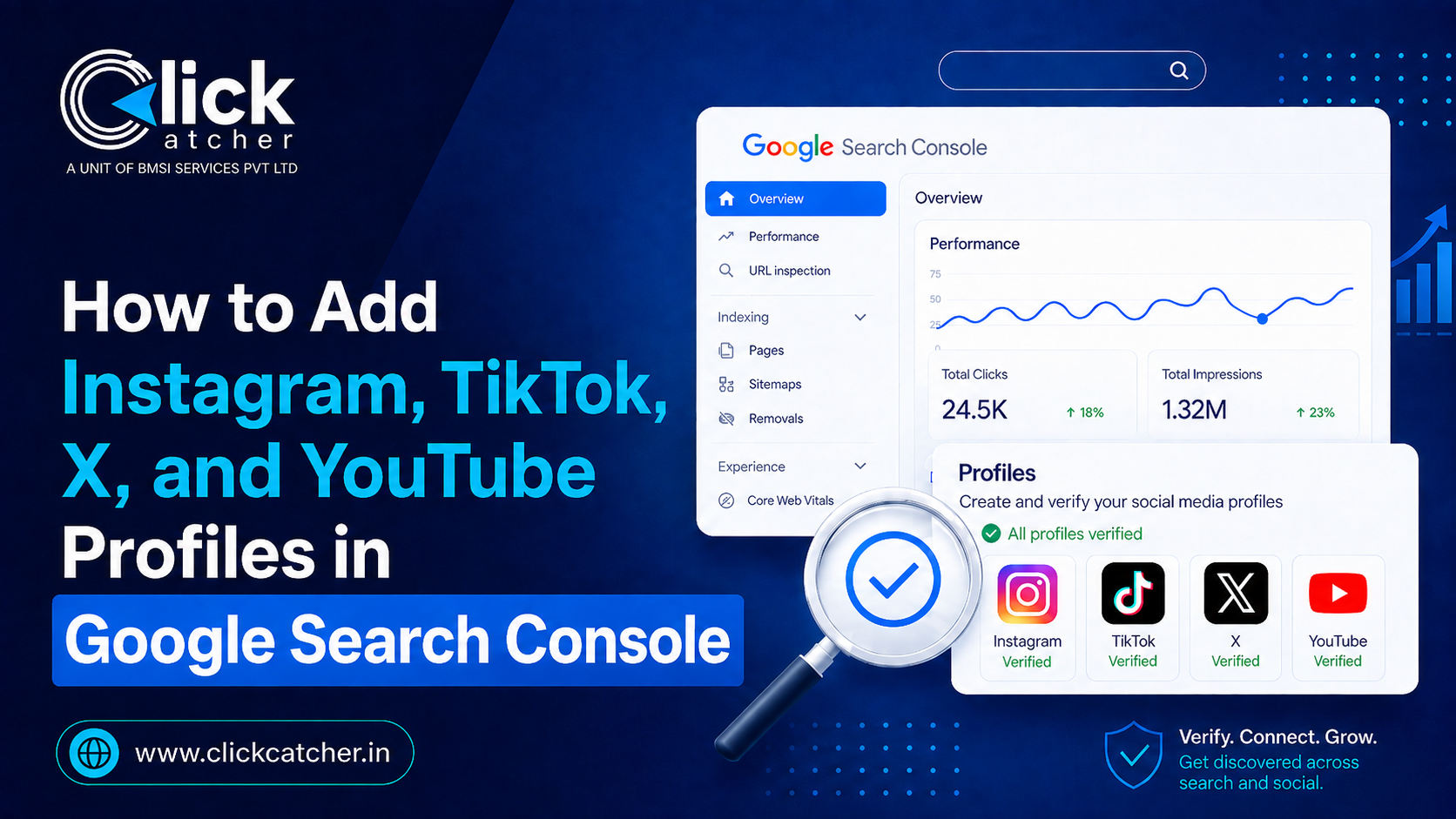
Google Search Console just stopped being a website-only tool. With the new “platform properties” feature, you can now connect your Instagram, TikTok, X, and YouTube accounts directly to Search Console and see exactly which Google searches are sending people to your posts and videos — no website required. Here’s exactly how to set it up, what the data means, and how to actually use it to grow your visibility on Google.
What Are Platform Properties in Google Search Console?
Until mid-2026, Google Search Console only worked for verified websites. That changed when Google rolled out a new property type built specifically for social and video accounts. In its official announcement, Google explained that platform properties help site owners and creators understand how their social and video posts perform on Google Search and Discover, letting you track which search terms lead people to your Instagram, TikTok, X, and YouTube content.
In simple terms: your social profiles now get their own Search Console-style dashboard, showing clicks, impressions, and the exact queries people typed into Google before landing on your post or video — the same kind of data website owners have had for years.
Why this matters for Noida and Delhi NCR businesses: Most local brands pour budget into Reels, Shorts, and TikToks without knowing whether that content actually earns visibility in Google Search. Platform properties finally close that gap, showing you which social posts are working as SEO assets — not just as social content.
Why Google Built Platform Properties
For nearly two decades, Search Console’s entire model was built around domain ownership. You verified a website, and in return Google showed you the queries, clicks, and impressions tied to that domain. But a growing share of content that shows up in Google Search today never touches a website at all — it lives natively on Instagram, TikTok, X, and YouTube. Reels get indexed. Shorts surface in Discover. Threads on X show up for long-tail queries. Until this update, creators and brands had no way of confirming any of that inside Google’s own tools; they were flying blind, relying only on in-app analytics that say nothing about Google Search behavior.
Platform properties close that visibility gap. They also reflect a broader shift in how Google treats social content: not as an afterthought, but as a first-class citizen in Search and Discover, worth measuring with the same rigor as a website.
Which Platforms Are Supported?
At launch, Google Search Console supports four platforms. According to Google’s own help documentation, you can create platform properties to view content performance reports for supported platforms like Instagram, TikTok, X, and YouTube. Facebook, LinkedIn, and Pinterest are not yet supported, though Google has signaled this list may grow over time.
| Platform | Website Required? | Verification Method |
| No | Native login & authorization | |
| TikTok | No | Native login & authorization |
| X (Twitter) | No | Native login & authorization |
| YouTube | No | Native login & authorization |
Step-by-Step: How to Add Your Social Profiles
The setup process is nearly identical across all four platforms and takes about a minute per account. Here’s the full walkthrough:
- Sign in to Google Search Console using the Google account you want to manage the property with. Go to search.google.com/search-console if you don’t already have it open.
- Open the property selector in the upper-left corner of the dashboard and click “Add property.” Your existing website properties will remain untouched.
- Select the platform you want to connect — Instagram, TikTok, X, or YouTube — from the list of supported options.
- Authorize the connection by signing in to that social account when prompted, then approve Google’s request to access performance data.
- Confirm the property once Google verifies ownership. Click “Go to property” to open the new dashboard.
- Repeat for every account — each Instagram handle, TikTok profile, X account, or YouTube channel needs its own separate platform property, even if you manage multiple brands.
Note: Google is rolling this feature out gradually, so if “Add property” doesn’t show the social options yet in your account, it isn’t a setup mistake — the feature may simply not have reached your account yet.
Platform-by-Platform Notes
While the setup flow is nearly identical across all four platforms, there are a few small differences worth knowing before you start:
- Instagram: You’ll need to authorize access from your Instagram login directly. Business and creator accounts tend to connect more smoothly than personal accounts, so switching account types beforehand can help.
- TikTok: If you’re already logged in to TikTok in the same browser, the authorization step is often skipped automatically, making this the fastest of the four to set up.
- X (Twitter): Authorization works the same way, but make sure you’re signed in to the correct account if you manage more than one X profile from the same device.
- YouTube: Since Google owns YouTube, this tends to be the simplest connection — select the channel, confirm, and you’re done, often without any additional login prompts.
If you manage properties for multiple clients, as many agencies do, keep a simple log of which Google account each platform property is tied to. It’s easy to lose track when several client accounts share overlapping platforms.
What Data Will You See Once Connected?
Once a platform property is verified, Search Console generates two main reports for that account:
- Performance report: Total clicks, impressions, average position, and CTR, filterable by individual post, query, country, and device — the same structure as the website Performance report.
- Insights report: A high-level view of recent traffic trends, your top-performing posts, and how people are discovering your account through Google.
This data covers how your content performs specifically inside Google Search, Discover, and (where eligible) Google News — not the in-app analytics Instagram or TikTok already give you.
Platform Properties vs. Schema Markup: Don’t Confuse the Two
A lot of SEO content mixes this feature up with a much older practice: adding your social profile URLs to your website’s Organization or Person schema using the sameAs property. That method helps Google associate your social accounts with your brand for entity recognition and Knowledge Panels — it’s a completely separate, long-standing technique that has nothing to do with platform properties.
Platform properties are purely a measurement tool inside Search Console. They don’t influence rankings, and connecting an account doesn’t automatically boost how often your posts appear in search results — it simply shows you data that already existed but was previously invisible.
How to Use This Data to Improve Your Content Strategy
- Spot hidden winners. A post with modest likes can still be a strong performer in Google Search — use the Performance report to find these and repurpose them into blog posts, videos, or follow-up content.
- Follow repeated query themes. If multiple search terms point to the same post, that topic likely deserves a dedicated, longer-form piece on your website.
- Connect the dots across platforms. When your website, YouTube channel, Instagram, and TikTok all consistently cover the same topics, Google gets a clearer, more consistent picture of your brand’s expertise — reinforcing topical authority across every property you own.
Quick Checklist Before You Start
- Have login access ready for each social account you plan to connect
- Use the same Google account across properties if you manage multiple brands, to keep reporting centralized
- Give it 24–48 hours after verification before expecting meaningful data
- Re-verify promptly if Search Console flags a lost connection — access pauses until you do
Frequently Asked Questions
Do I need a website to add my social profiles to Google Search Console?
No. Platform properties are verified by signing in to the social account directly, so creators and businesses without a website can use Search Console for the first time.
Which social platforms can currently be added to Search Console?
Instagram, TikTok, X, and YouTube are supported at launch. Facebook, LinkedIn, and Pinterest are not currently included, though Google may expand support in the future.
Does connecting my social account to Search Console improve my rankings?
No. Platform properties are a reporting and measurement tool only. They show how your content already performs in Google Search — they don’t directly influence rankings or visibility.
Can I add more than one account per platform?
Yes. Each account or channel is added as its own separate property, so an agency managing multiple client Instagram or TikTok accounts will need to verify each one individually.
Is this the same as adding social links to my website’s schema markup?
No. Platform properties are a Search Console reporting feature. Adding social URLs to your Organization schema’s sameAs property is a separate, older SEO practice used for entity association, not performance tracking.
Sources: Google Search Central Blog — Platform Properties Announcement · Google Search Console Help — About Platform Properties
Want Your Social Content Actually Driving Search Visibility?
Click Catcher helps Noida and Delhi NCR businesses connect the dots between social content, SEO, and Google’s evolving search features — so every post works harder for your brand.